Website book creator
Make paid personal books about your child, family, pets, holidays, school topics, routines, milestones, or everyday adventures.
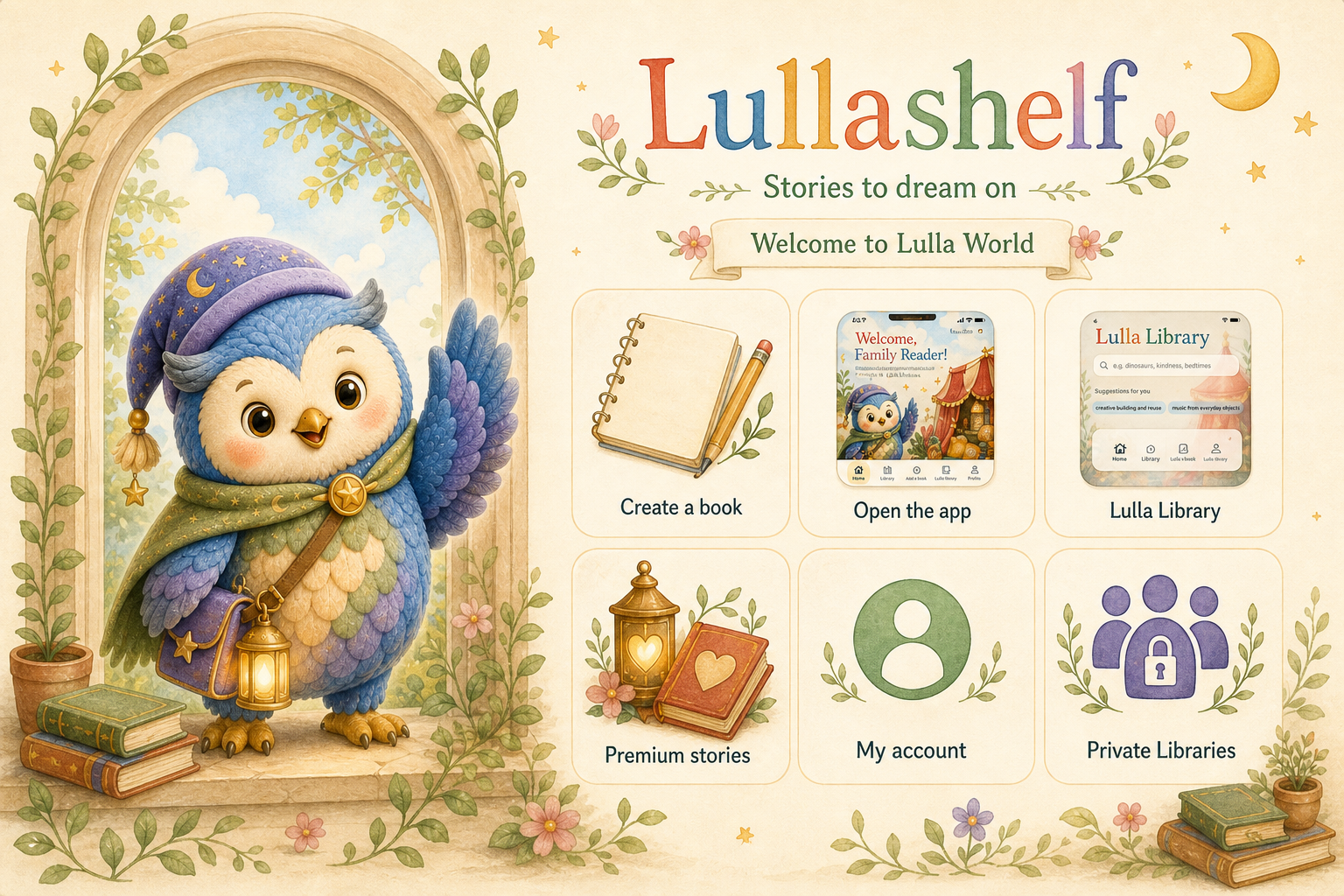
The Lullashelf app stores your family storybooks, keeps them on your own shelf, and lets you read, record, and share them. The Lullashelf website creates new personal books you can download straight into the app.
The App
Use the website to create personal picture books for enjoyment, teaching, routines, support, memories, and bedtime. Then open the finished `.lullashelfbook` file in the app, where each story sits in a simple family library ready to read, record, and share.
Make paid personal books about your child, family, pets, holidays, school topics, routines, milestones, or everyday adventures.
Store each finished book in the app so your family can come back to the stories whenever they need them.
Record a parent, grandparent, or child reading each page so the book carries a familiar voice as well as the pictures.
Send one complete Lullashelf book by Messages or Mail, with pages and audio bundled into a file another device can save.
Screenshots
These frames show the current Lullashelf app flow, from the welcome screen to the library, prompts, and reader.
How to use
Start with something your family cares about: a funny idea, a holiday, a lesson, a routine, a memory, or a moment your child needs help understanding.
Make a book for fun, learning, support, bedtime, a family event, or a child’s own imagination.
Paste pages one at a time or import pictures from Photos and Files.
Name the book, arrange the pages, add story text if wanted, and choose which image appears on the shelf.
Open the book from the shelf, turn pages, and record narration for each page if wanted.
Send one Lullashelf book file by Messages or Mail so another device can save its own copy.
Privacy
Lullashelf is designed around personal family libraries, not public feeds. Books are stored on the device, and iCloud storage can keep the user’s own library available across reinstalls when iCloud is enabled.
Contact
Join updates for the app, free book releases, creator tools, support information, and launch news.